Clear Cache
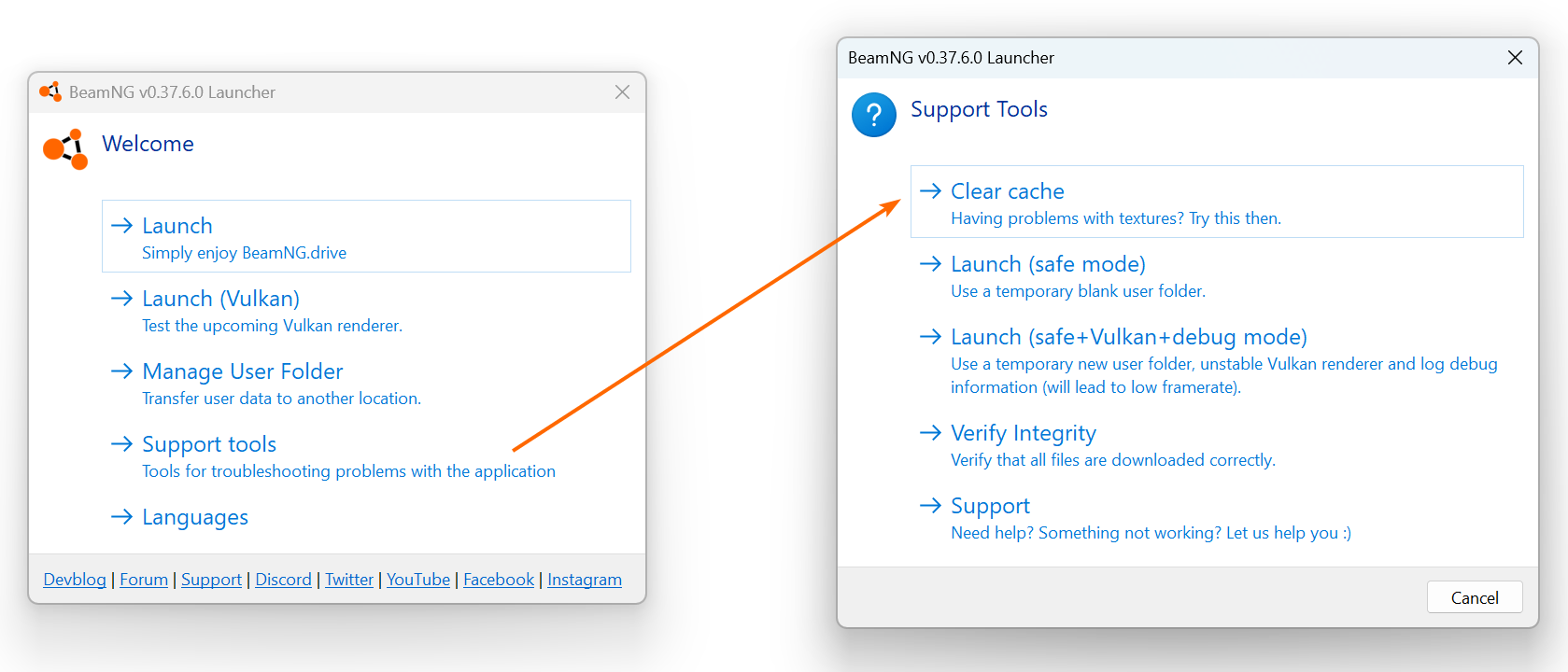
How to clear the BeamNG.drive cache in the launcher (Support Tools > Clear Cache) to fix broken textures, maps that won't load and mod issues.What is the cache?
The cache is a kind of a quick-access storage where the game keeps necessary files to run smoothly. Instead of loading everything from scratch, the game uses those files to speed things up.
If the cache is cluttered with old or broken files, the game may become unstable, so clearing it out may resolve the issue without affecting your personal game files.
Cache files are stored in your user folder.
How does Clear Cache work?
The Clear cache command will go through your User folder and move certain files to a backup folder located in the User folder. Those files won’t be loaded to the game, and you can choose whether to delete them or not.
When do I need to clear the cache?
Clearing the game’s cache can help with:
- Broken textures and/or materials on official content
- Official levels not loading correctly
- Freeing up space by moving old and unused files
- Issues with mods
How do I clear the Cache?
Clear Cache can be accessed through the BeamNG.drive Launcher and is located in the Support Tools menu.
Was this article helpful?